Speed Detection

Video
"Get off my lawn moment" setup a camera to capture how fast folks are speeding in my neighborhood. 25mph limit. pic.twitter.com/rtQZs6QFbG
— Scott Havird (@scotthavird) January 6, 2016
Motivation
I live in a neighborhood with a 25mph speed limit. I've noticed that many people drive much faster than the speed limit. I wanted to capture how fast people were driving in my neighborhood. I set up a camera to capture the speed of cars driving by. I used a Hikvision CCTV to capture the video and a Python script with OpenCV to detect the speed of the cars.
Built a neighborhood speed-detection rig using a Hikvision CCTV camera, Python, and OpenCV. Pulled frames over RTSP, detected vehicles, and computed speed against the 25mph limit — early computer-vision work that foreshadowed later ContentAI pipelines.
Setup
I used a Hikvision CCTV to capture the video. I used my MacBook to connect to the CCTV and view the video. I also used that MacBook to run the Python script to detect the speed of the cars.
How It Works
Step 1: Understanding Pixel Coordinates
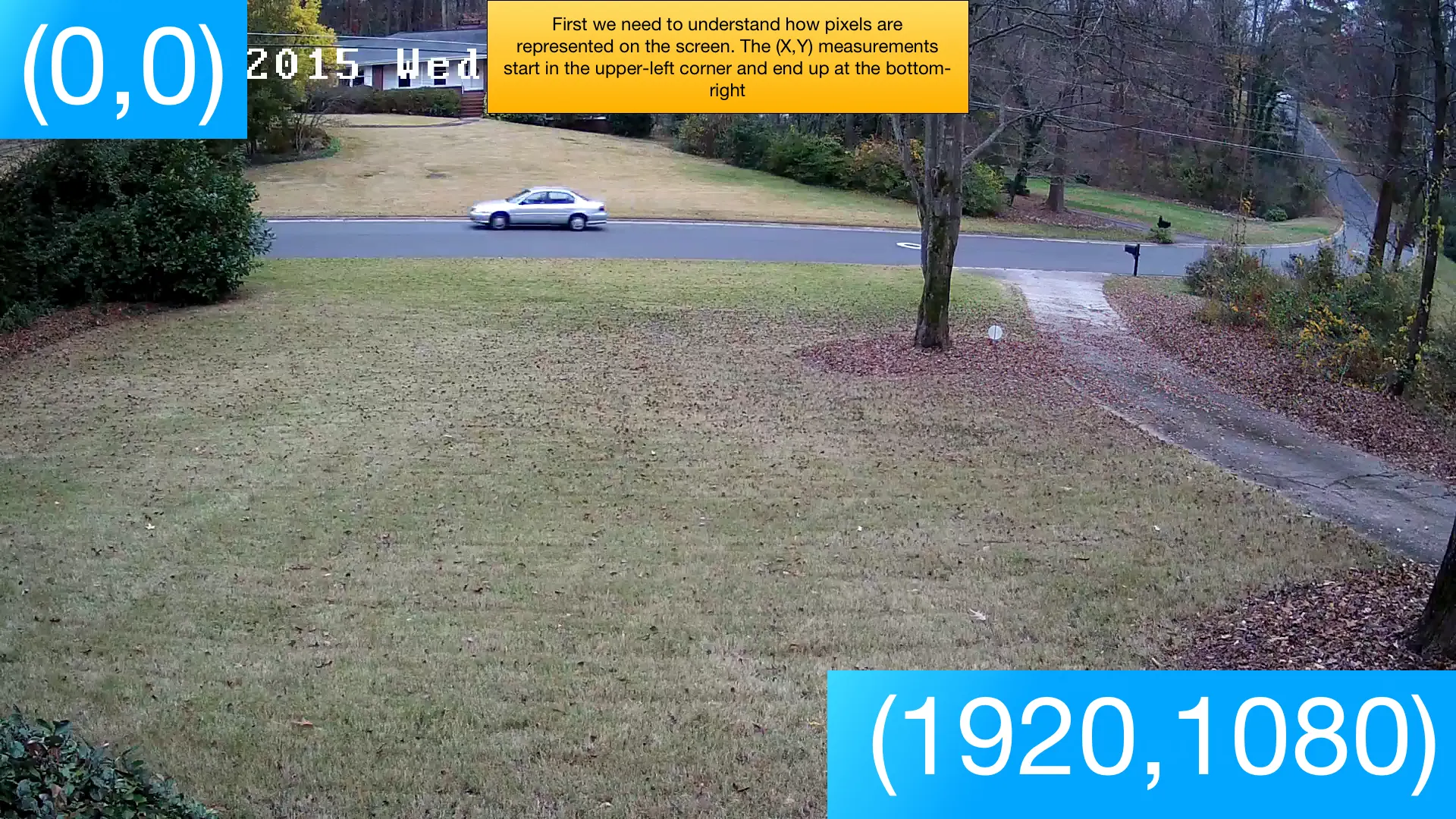
First, we need to understand how pixels are represented on the screen. The (X,Y) measurements start in the upper-left corner at (0,0) and end at the bottom-right at (1920,1080) for a 1080p camera.
Step 2: Setting the Trigger Line
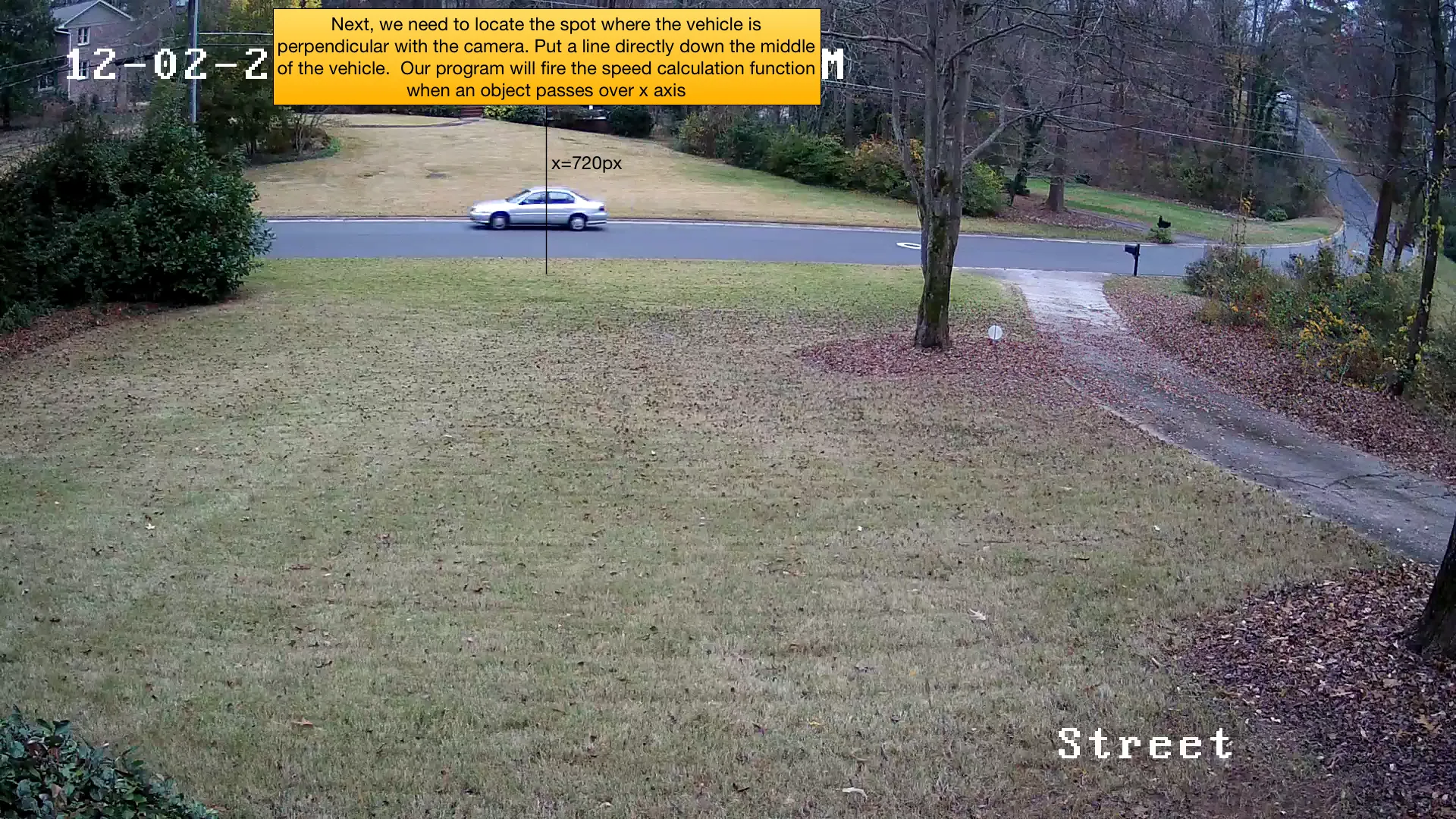
Next, we need to locate the spot where the vehicle is perpendicular with the camera. We draw a vertical line at this position (x=720px in my setup). Our program will fire the speed calculation function when an object passes over this x-axis position.
Step 3: Pixel to Inch Conversion
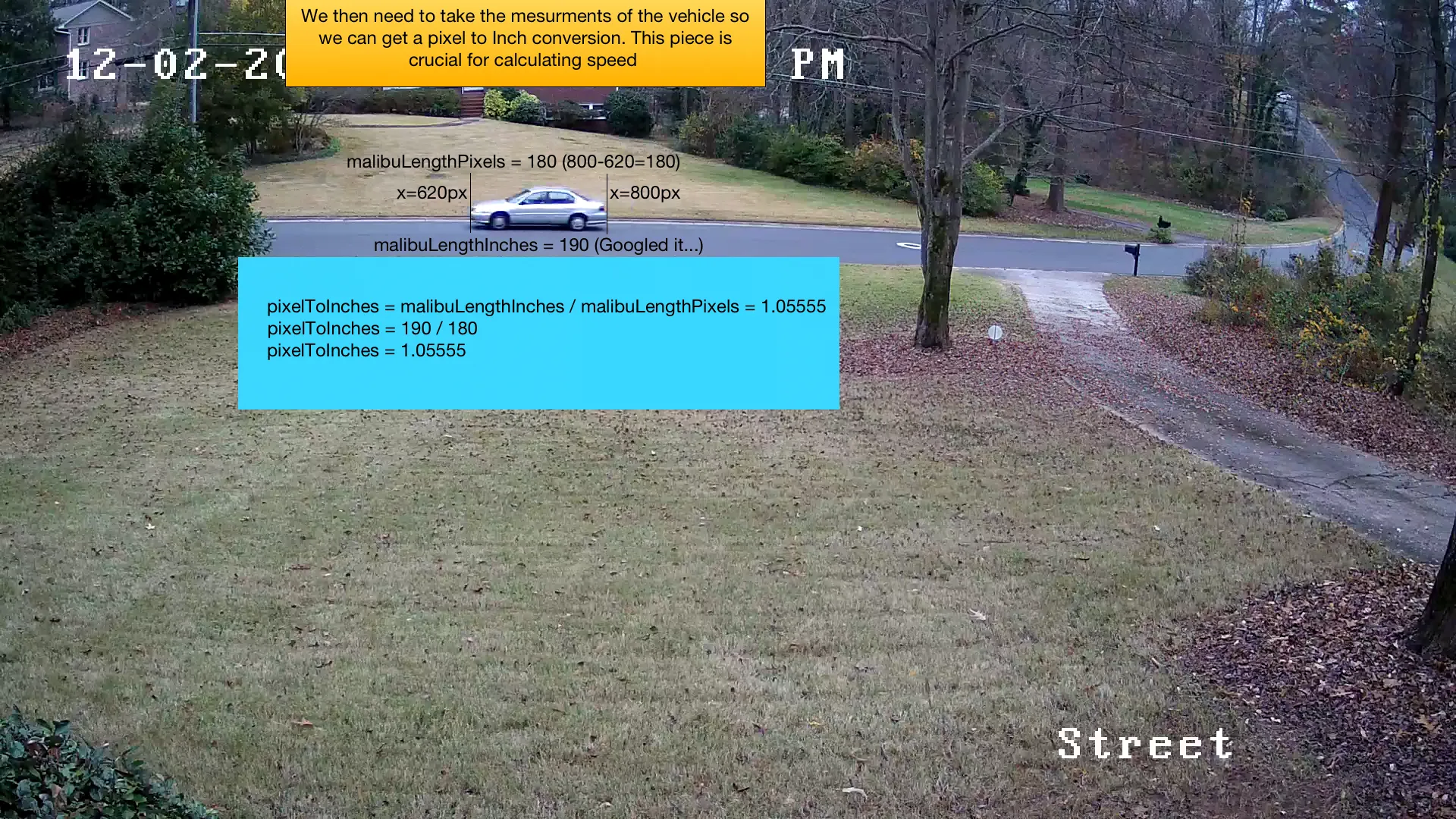
To calculate real-world speed, we need to convert pixels to inches. I used a Chevy Malibu as a reference vehicle since I knew its length (190 inches). By measuring its pixel width (180 pixels), I calculated the conversion factor:
pixelToInches = malibuLengthInches / malibuLengthPixels
pixelToInches = 190 / 180
pixelToInches = 1.05555
Step 4: Calculating Speed
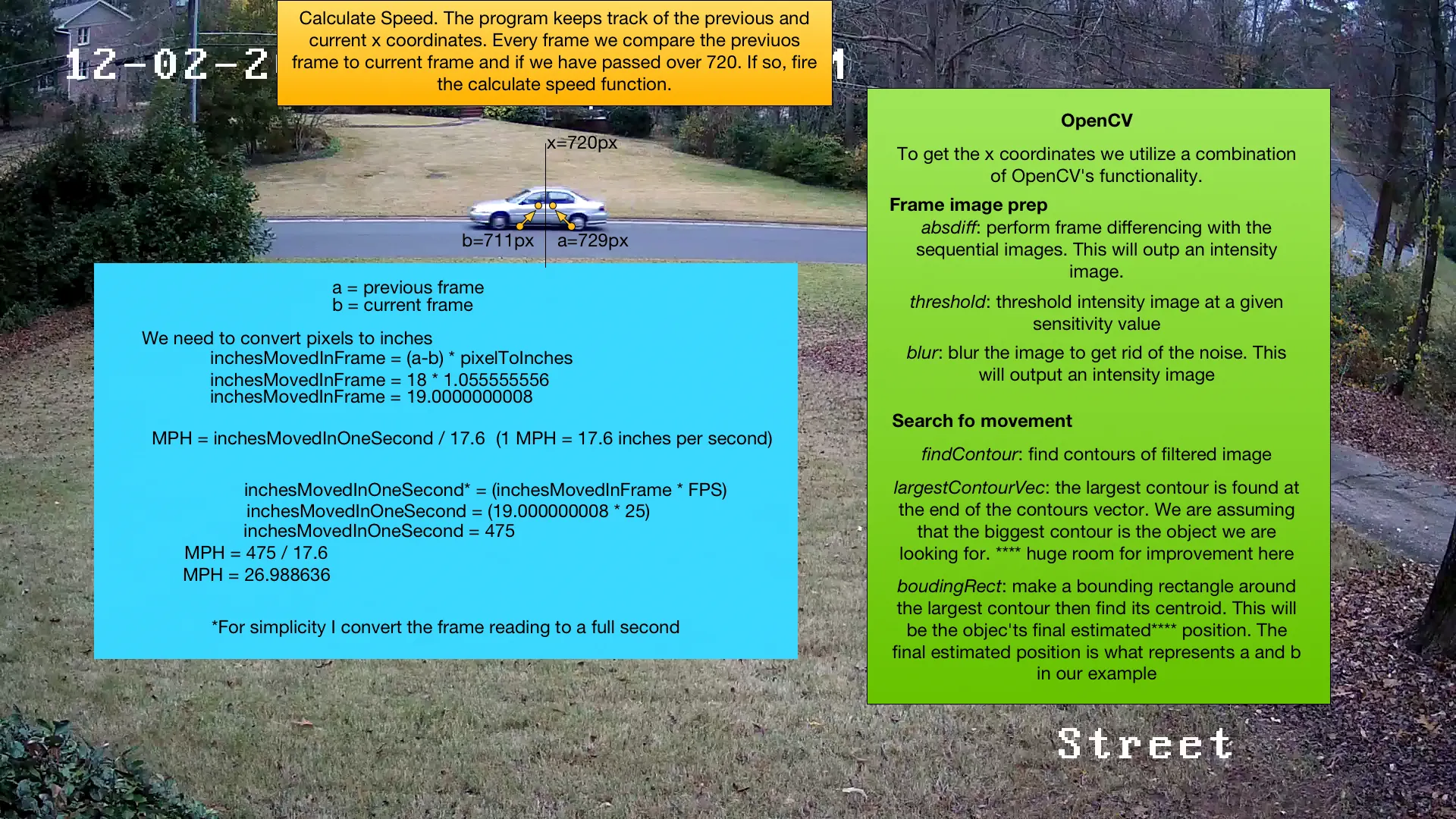
The program tracks the previous and current x-coordinates of detected objects. Every frame, we compare positions, and if the object has passed over x=720, we fire the speed calculation.
OpenCV Processing Pipeline:
- absdiff: Perform frame differencing between sequential images to detect movement
- threshold: Threshold the intensity image at a given sensitivity value
- blur: Blur the image to reduce noise
- findContour: Find contours in the filtered image
- largestContourVec: Identify the largest contour as our target object
- boundingRect: Create a bounding rectangle around the largest contour and find its centroid
Speed Calculation:
inchesMovedInFrame = (a - b) * pixelToInches
inchesMovedInFrame = 18 * 1.055555556
inchesMovedInFrame = 19.0 inches

inchesMovedInOneSecond = inchesMovedInFrame * FPS
inchesMovedInOneSecond = 19.0 * 25
inchesMovedInOneSecond = 475 inches/second

MPH = inchesMovedInOneSecond / 17.6  (since 1 MPH = 17.6 inches per second)
MPH = 475 / 17.6
MPH = 26.99 MPH
Output
video
images
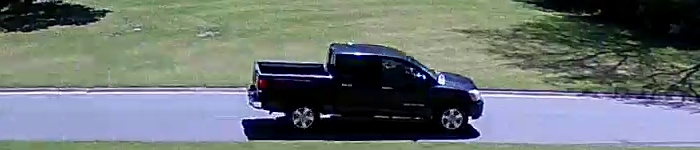
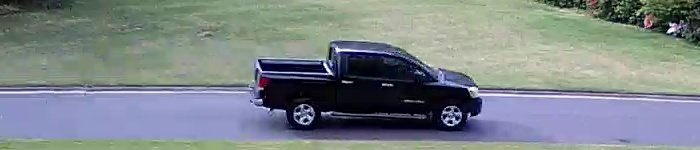
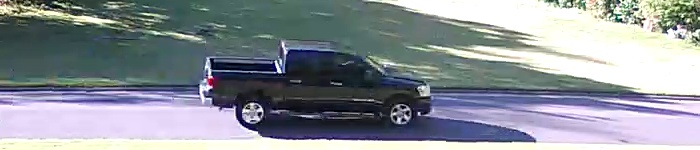
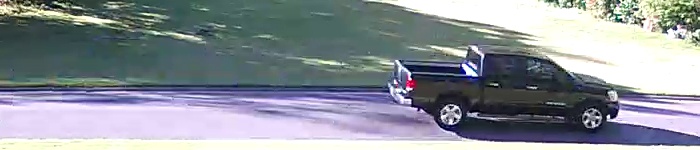
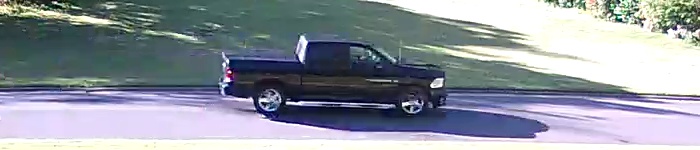
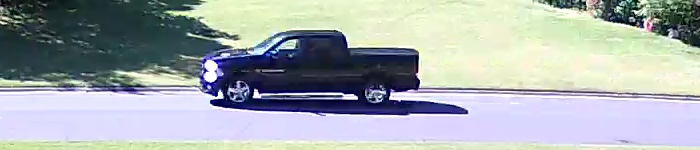
Images of the same car, wanted to train data :)